
Lufthansa Cargo Help & Lern Center
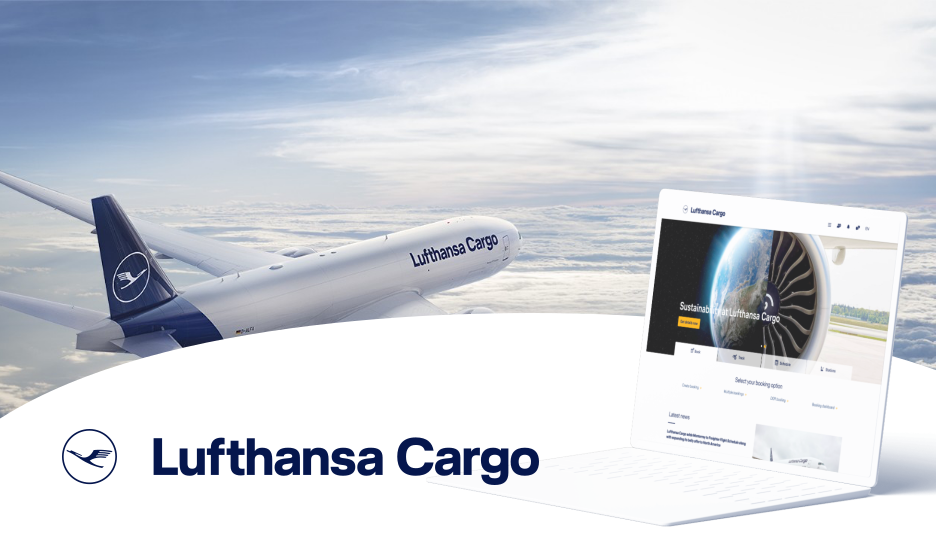
Case Study: Designing a User-Friendly Help and Learn Center
Problem: Creating a comprehensive and accessible help center that caters to users of varying skill levels, while minimizing the need for scrolling and clicks.
Goals:
- Provide clear and concise answers to complex and frequently asked questions.
- Offer helpful tips and hacks to improve platform usage.
- Ensure the platform is user-friendly for both beginners and experts.
- Minimize scrolling and clicks to reduce user friction.
Approach
To create an effective help center, we employed a user-centered approach, focusing on understanding user needs and preferences. We developed a clear information architecture to organize content efficiently and integrated a search field directly into the page for streamlined navigation. By adhering to the existing design system, we ensured a consistent and familiar user experience. This combination of factors resulted in a help center that is both informative and intuitive.

Results:
- Improved User Experience: Successfully created a help center that is easy to navigate and understand, regardless of user experience level.
- Reduced Friction: Minimized the need for scrolling and clicks, enhancing user satisfaction and reducing frustration.
- Enhanced Accessibility: Ensured that the platform is accessible to users with varying abilities.
- Brand Consistency: Maintained a cohesive visual experience aligned with the overall brand identity.
To create a user-friendly help center, we employed a user-centered approach that focused on understanding user needs and preferences. By developing a clear information architecture, integrating a search field directly into the page, and adhering to the existing design system, we were able to create a platform that is easy to navigate and understand, regardless of user experience level. This resulted in reduced friction, enhanced accessibility, and a cohesive visual experience that is aligned with the overall brand identity. The improved user experience has led to increased satisfaction and reduced frustration among users, making the help center a valuable resource for users of all levels.

By combining a user-centered approach with effective information architecture and design, we were able to create a help center that empowers users to find the information they need quickly and easily.
Check other
Projects
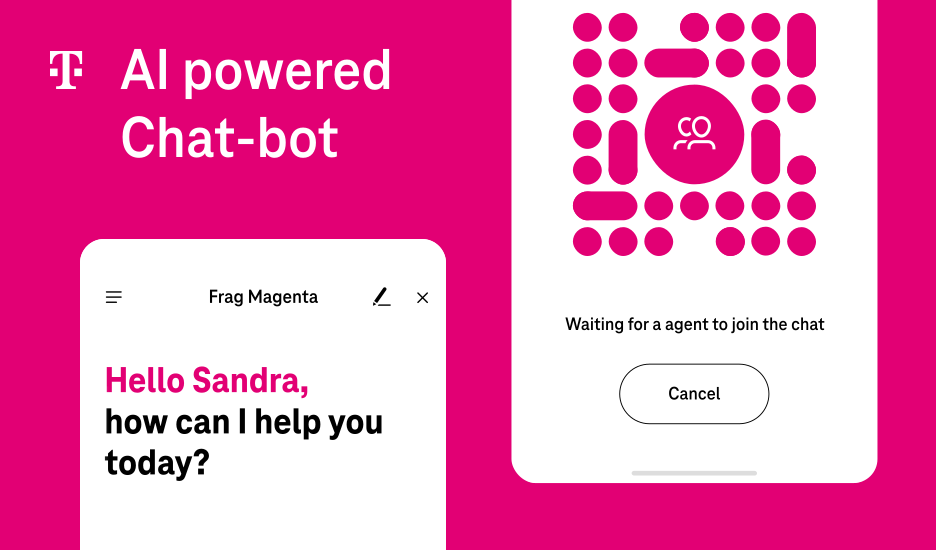

Sales and Service Chatbot with LLM Integration and Immersive User Experience
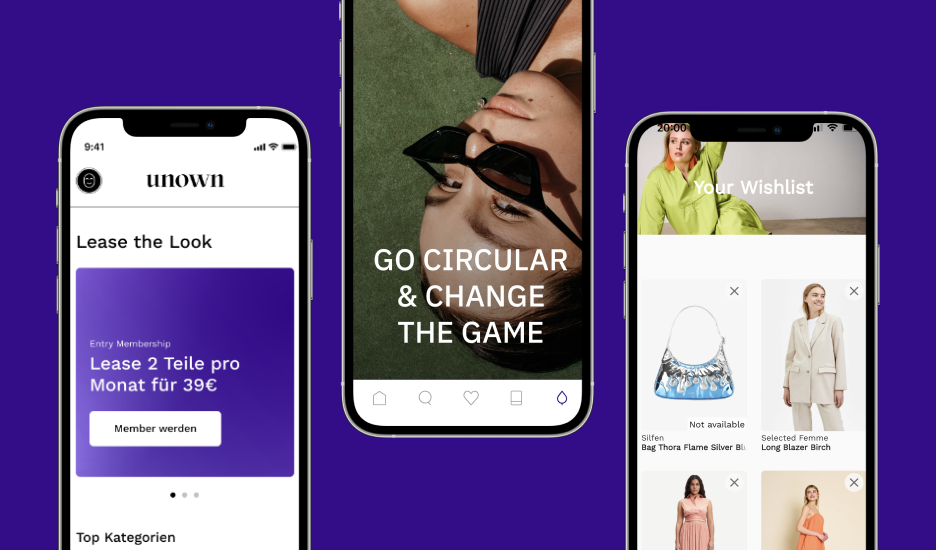
Sustainable Fashion Leasing Platform: A new way to enjoy the latest trends without environmental impact.